Last updated: November 13, 2026
Quick Answer: Track irrigation water use by season and zone with one log that keeps date, season, zone, meter reading, run time, and rainfall note together. In the first month, this gives you a baseline for each zone and lets you compare spring, summer, fall, and winter without guessing. This guide shows How to Track Irrigation Water Use by Season and Zone using a water meter, an irrigation controller, and a utility bill.
Build a record that separates season, zone, and source
An irrigation water use record should split into season, zone, and source so you can compare the same yard across the year. If everything lands in one notebook page, the numbers blur fast.
Picture this: you’re looking at a utility bill, a controller screen, and a wet patch near one sprinkler zone. You need one place to put the meter reading, the zone run time, and the rainfall note.
Use one simple sheet or spreadsheet with these columns:
- Date
- Season
- Zone name or number
- Water meter reading
- Controller run time
- Rainfall note
- Comment on schedule change
A season label can be as simple as spring, summer, fall, and winter. Keep the zone name the same every time, like Zone 1, side yard, or drip bed. A note that says “reduced by 10 minutes” means little unless it stays tied to the same zone.
The record gets useful when the labels stay boring and consistent. One season name, one zone name, one meter. That is the whole trick.
How do I track sprinkler water use without a smart controller?
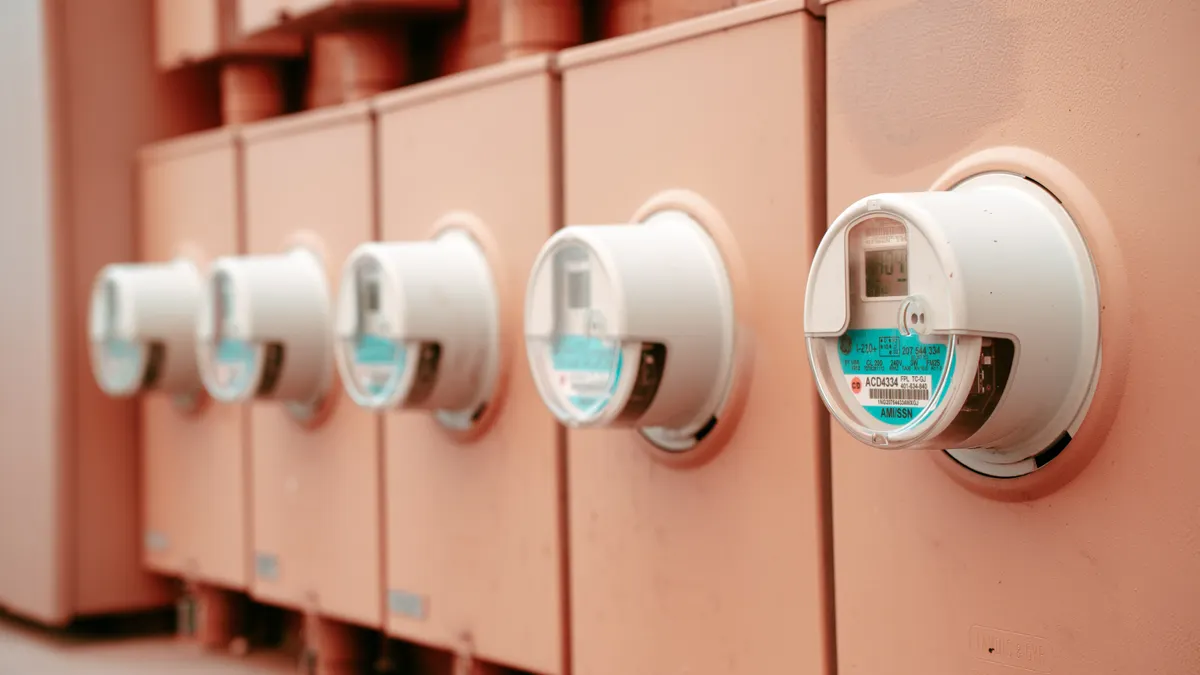
You track sprinkler water use without a smart controller by pairing manual meter readings with the zone schedule on the controller. That works even on older systems, because the water meter tells you total use and the controller tells you which zones ran.
Picture this: you’re standing by the meter box with a notebook, and the controller still has simple dials or buttons. You do not need automation to make the record work.
Follow these steps in order:
- Read the water meter before the irrigation run starts.
- Write the date and the season at the top of the log.
- Start the controller with the zone you want to track.
- Record the zone number and its run time from the controller.
- Read the water meter again after the run ends.
- Subtract the readings to get the water used for that run.
- Add a rainfall note if rain changed the next watering day.
That gives you a zone-by-zone log, even if the meter is shared across the whole property. If you run three zones on one morning, log them one at a time or note the full block and the total meter change.
A plain meter reading still tells a lot. It shows whether a zone is using more water after a schedule change, or whether the whole system drifted up in summer.
Set one tracking day for each season
Set one tracking day per season so your logs compare cleanly across spring, summer, fall, and winter. A fixed day of the month is better than random notes because it gives you the same snapshot every time.
Picture this: you’re comparing June with September and wondering if the system really changed or if you just skipped a week of notes. A fixed day removes that guesswork.
Use a monthly rhythm like this:
- Pick the same day each month, such as the 1st or 15th.
- Read the meter at the same time of day.
- Log every zone that runs that day.
- Mark the weather, especially rainfall.
- Keep the utility bill with the same month’s page.
The utility bill helps cross-check the meter. If the bill and your log drift apart, you may have missed a reading, a leak, or an extra watering day.
Seasonal comparison works best when you compare like with like. Compare spring with spring next year, not spring with the hottest week of summer. That is where most records fall apart.
How do I compare irrigation use from one season to another?
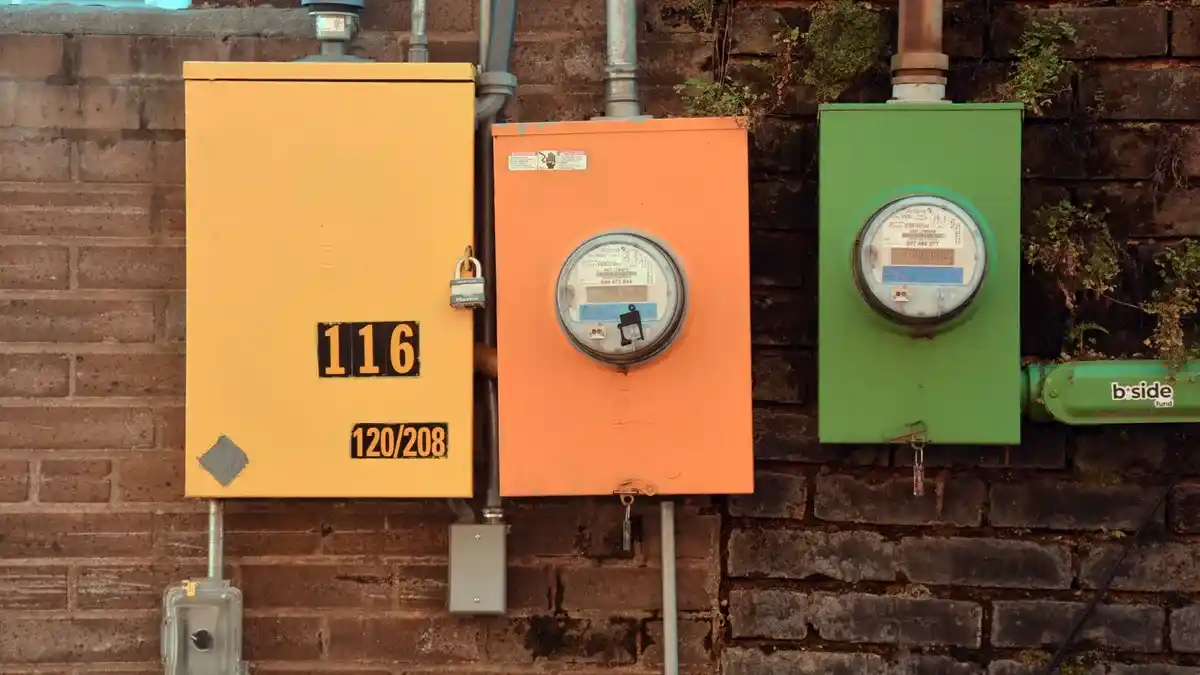
You compare irrigation use from one season to another by lining up the same zone, the same date pattern, and the same kind of meter reading. That gives you an honest view of whether water use went up because of weather, schedule changes, or both.
Picture this: you’re looking at two months of records and trying to decide if Zone 3 got worse or just got hotter. The answer is usually in the details you already wrote down.
Use a simple comparison table like this in your log:
| Season | Zone | Meter change | Run time | Rainfall note | Result |
|---|---|---|---|---|---|
| Spring | 2 | ||||
| Summer | 2 | ||||
| Fall | 2 |
Then compare three things:
- Meter change: did the zone use more total water?
- Run time: did the controller schedule run longer?
- Rainfall note: did weather shorten or replace watering?
If the meter use climbed but the run time stayed the same, the system may be leaking or watering more than you thought. If the run time increased and the meter followed, that points to a schedule change rather than a mystery spike.
The comparison is usually simplest when you keep it to one zone, one season, and one reading pattern.
Zone-by-zone usage: what to write down for each irrigation zone
Zone-by-zone usage should include the zone name, run time, season, and meter difference for each irrigation zone. Without that, you can’t tell whether one bed is pulling more water than the rest.
Picture this: you’re walking the yard and one spray zone feels soggy while the drip zone looks fine. The log should show that difference without making you sort through guesswork later.
For each zone, write:
- Zone number or name
- Sprinkler schedule for that day
- Meter reading before and after the zone
- Rainfall note
- Any change made to heads, nozzles, or timing
A zone-by-zone record works best when each zone gets its own line, even if the controller ran them back to back. That makes problem zones easier to spot. A zone that needs more run time should stand out after a few months.
This is also where a water meter helps most. If one zone jumps in use after a schedule change, the log will show it. If a zone stays flat across seasons, you know the baseline is steady.
Do not mix zones on the same line unless you have no choice. Once combined, they are hard to separate later.
Use rainfall notes and schedule changes to explain spikes
Use rainfall notes and schedule changes to explain spikes before you call the log wrong. A sudden jump in use is often a weather note or a longer sprinkler schedule, not a bad meter.
Picture this: you’re opening the log after a storm week and the meter reading looks off. The note beside it may tell you exactly why.
Write short notes like these:
- “Rain on Tuesday, skipped Zone 1”
- “Raised Zone 4 by 5 minutes”
- “Shifted watering to early morning”
- “Dry wind all week”
Those notes matter because weather changes fast, and irrigation timing changes with it. A plain number alone won’t tell you whether a spike came from a hot stretch, a controller change, or a leak.
A good rule: if you change the schedule, write it the same day. If you wait until the end of the month, the reason gets fuzzy. Keep the note short and tied to the zone.
Cross-check the water meter with the utility bill
Cross-check the water meter with the utility bill each month so you know the record is real. The bill gives you the total house or property use, and your log gives you the irrigation share you can actually track.
Picture this: you’re holding a bill that looks higher than usual, but the irrigation log seems normal. A cross-check can tell you whether irrigation is the reason or whether something else is using water.
Do this once a month:
- Write the bill date and billing period.
- Record the meter reading on the bill.
- Compare it with your own meter reading.
- Mark the difference in your log.
- Keep the bill with the seasonal folder.
If the numbers do not match closely, check whether the bill covers a different date range than your log. That difference is common and easy to miss. It does not always mean the meter is wrong.
The utility bill is not just backup paperwork. It can show whether your seasonal notes line up with the real consumption total.
Common mistakes that make irrigation records useless
Bad labels make the whole record hard to trust, and they usually cost you time, not just neatness. The fix is simple: keep one name for each zone, one date format, and one way of noting rainfall.
Picture this: you’re three months in, and Zone 2 is also “east bed,” “front shrub,” and “bed A.” That kind of drift makes comparison nearly impossible.
Watch for these mistakes:
-
Changing zone names from month to month.
Cost: you can’t compare the same area across seasons.
Do instead: pick one permanent label for each irrigation zone. -
Skipping meter readings on busy weeks.
Cost: the log has gaps, so spikes look random.
Do instead: read the meter on the same day each month. -
Writing only totals with no schedule note.
Cost: you can’t tell whether a change came from weather or controller settings.
Do instead: write the run time and the reason for any change. -
Mixing rainfall notes into one line with no date.
Cost: the weather clue gets lost.
Do instead: keep rainfall on the same row as the irrigation event.
A simple log beats a clever one. If a note takes longer than 30 seconds to write, it is probably too fancy for regular use.
One simple template that keeps the record usable
A one-page template keeps the record usable because it forces the same fields every time. If you like paper, print it. If you prefer a spreadsheet, build the same columns and do not add extras you won’t fill in.
Picture this: you’re halfway through the season and want something you can scan in 10 seconds. A clean template makes that possible.
Use this layout:
| Date | Season | Zone | Meter Before | Meter After | Run Time | Rainfall Note | Schedule Change |
|---|---|---|---|---|---|---|---|
Keep each row to one zone or one irrigation event. Save the utility bill in the same folder or file name. After a few months, you can compare one season to the next without sorting through loose notes.
For a bigger recordkeeping system, this method fits the broader guidance in the hub on irrigation performance auditing and recordkeeping. It stays simple on purpose.
Key Takeaways
- A useful irrigation record ties each reading to a season, a zone, and a date.
- Manual meter readings still work well without smart controls.
- The same monthly check day makes seasonal comparisons fair.
- Rainfall notes and schedule changes explain most spikes.
- The utility bill is the easiest cross-check for your meter log.
- Zone-by-zone notes show which parts of the system use more water.
How do I track sprinkler water use without a smart controller?
Track it with the water meter and the irrigation controller you already have. Read the meter before and after each zone or watering block, then write the zone number, run time, and date in the same log. A rainfall note helps explain why a run was skipped or shortened.
What meter readings should I save each month?
Save the starting meter reading, the ending meter reading, and any reading tied to a zone run if you are separating zones. Also keep the bill-period reading from the utility bill. Those three numbers make it much easier to spot a leak, a schedule change, or a recording error.
How do I compare irrigation use from one season to another?
Compare the same zone, on the same monthly schedule, with the same kind of meter reading. Then check run time and rainfall notes beside it. If the meter use rises and the run time rises too, the change is probably in the schedule.
Drafted with AI; not yet reviewed by a person.